
OrientDig
Spreadsheet
A closer look at your next find.
Start with a photoUpload an image to explore similar pieces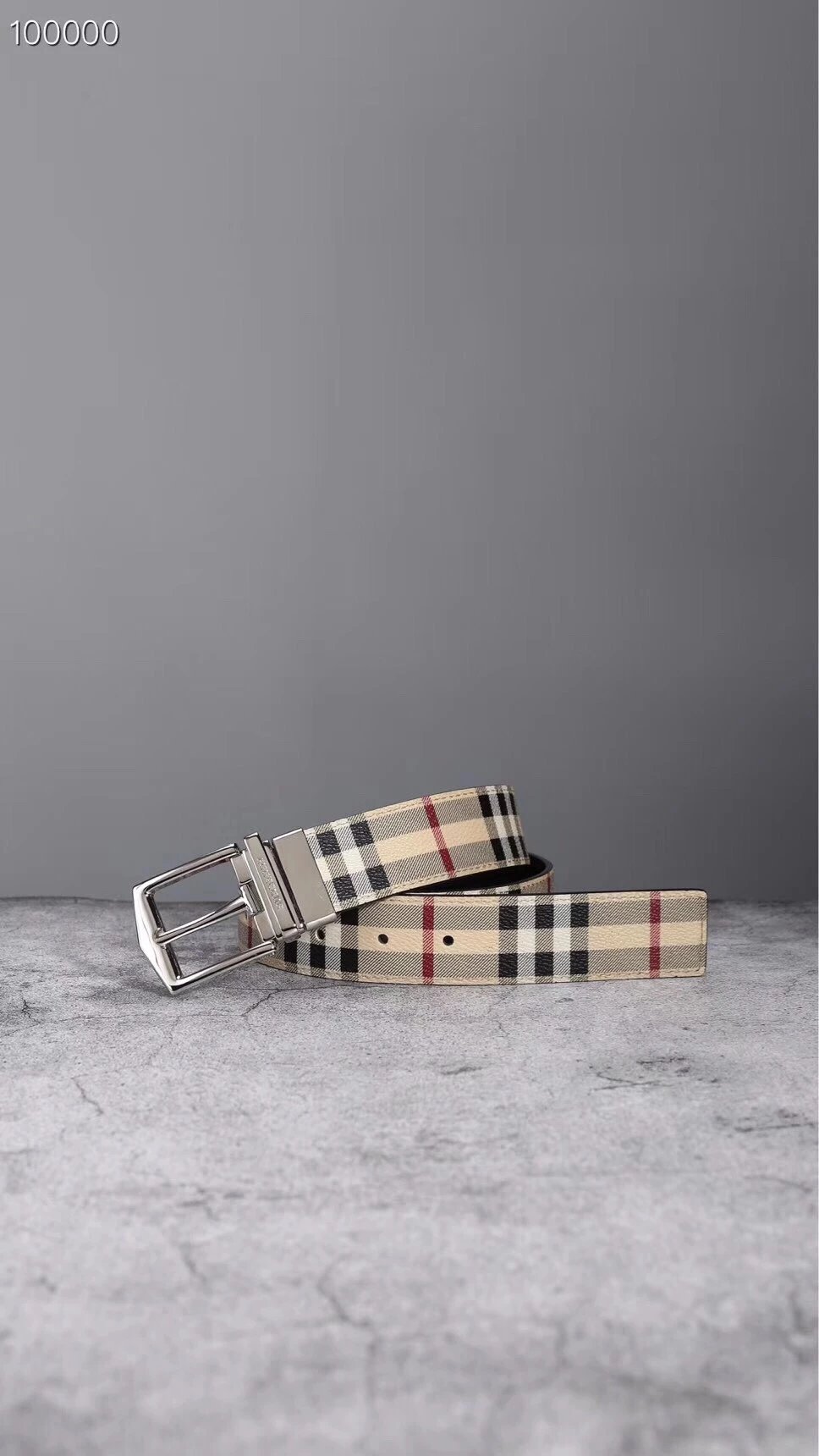
Fresh in the spreadsheet
Browse the photos. Open a find for styles and QC.
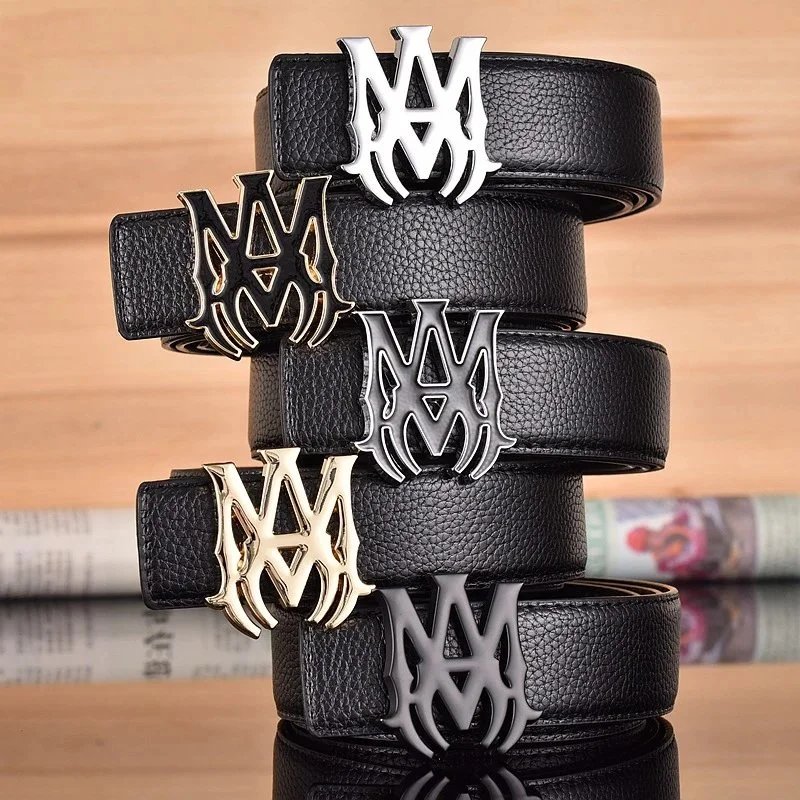
Black Leather Belt with Ornate 'M' Buckle
$15.51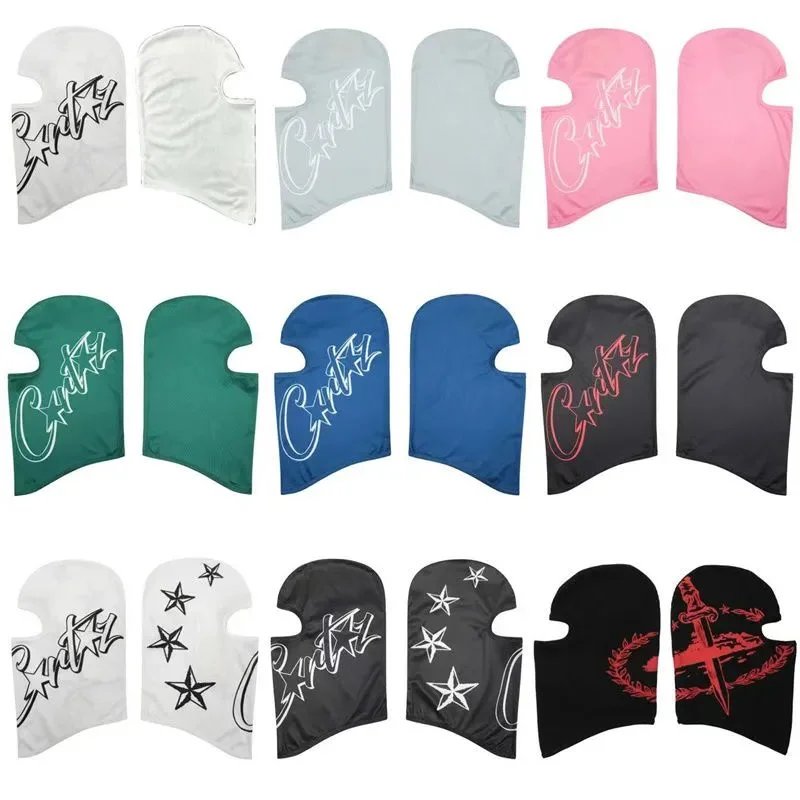
Corteiz Face Mask
$15.29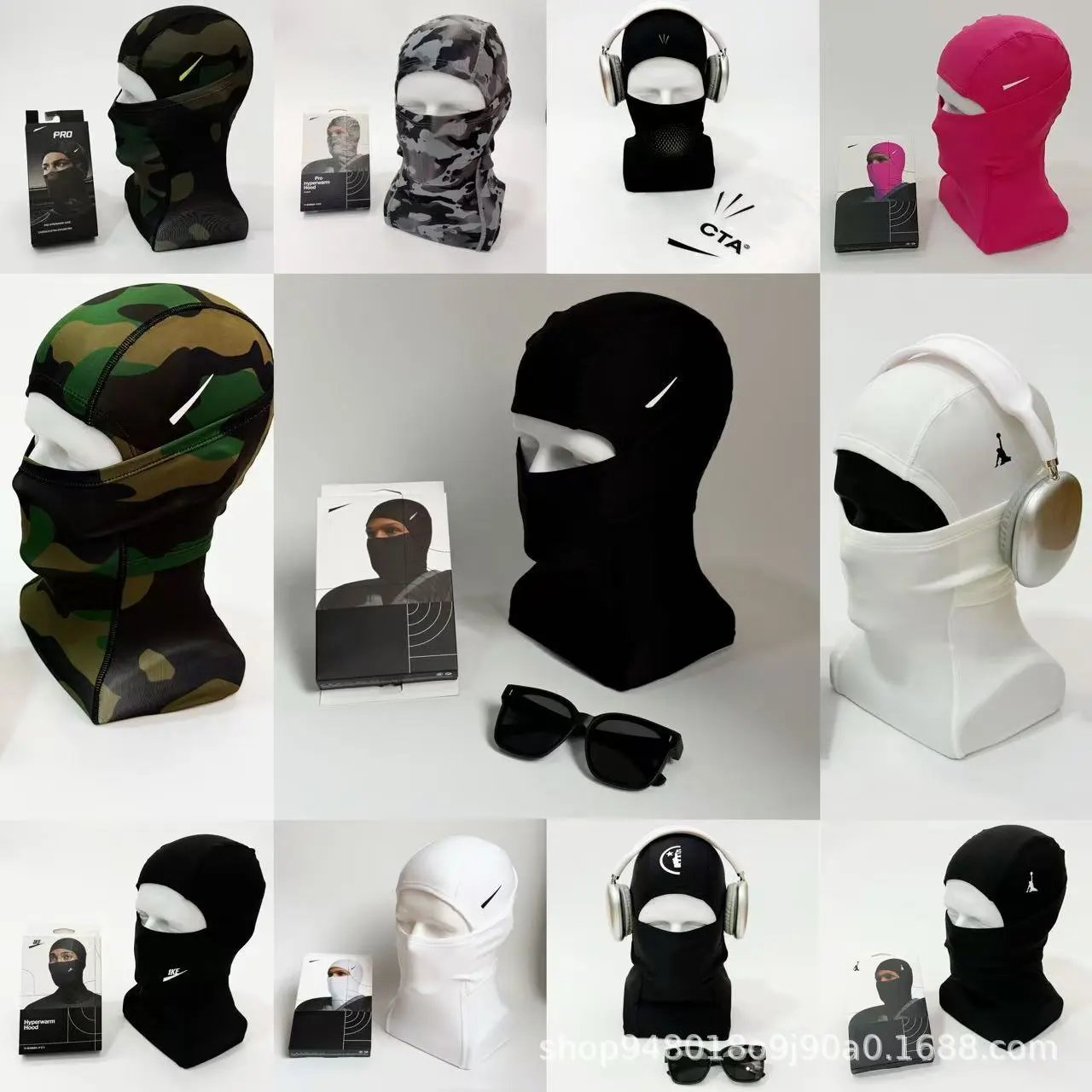
Balaclava Face Mask
$13.07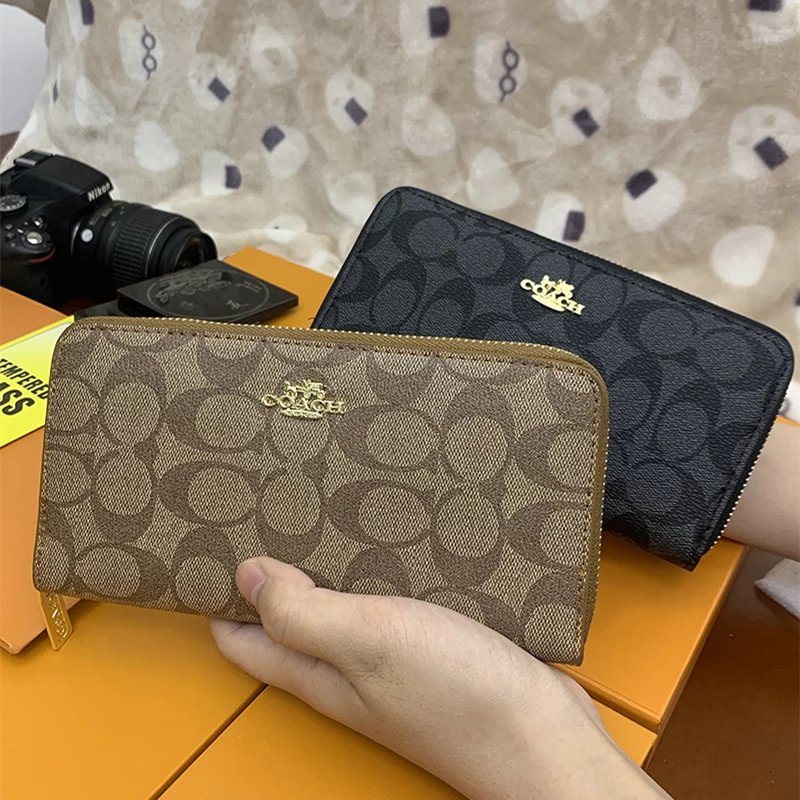
Coach Signature Zip-Around Wallet
$13.29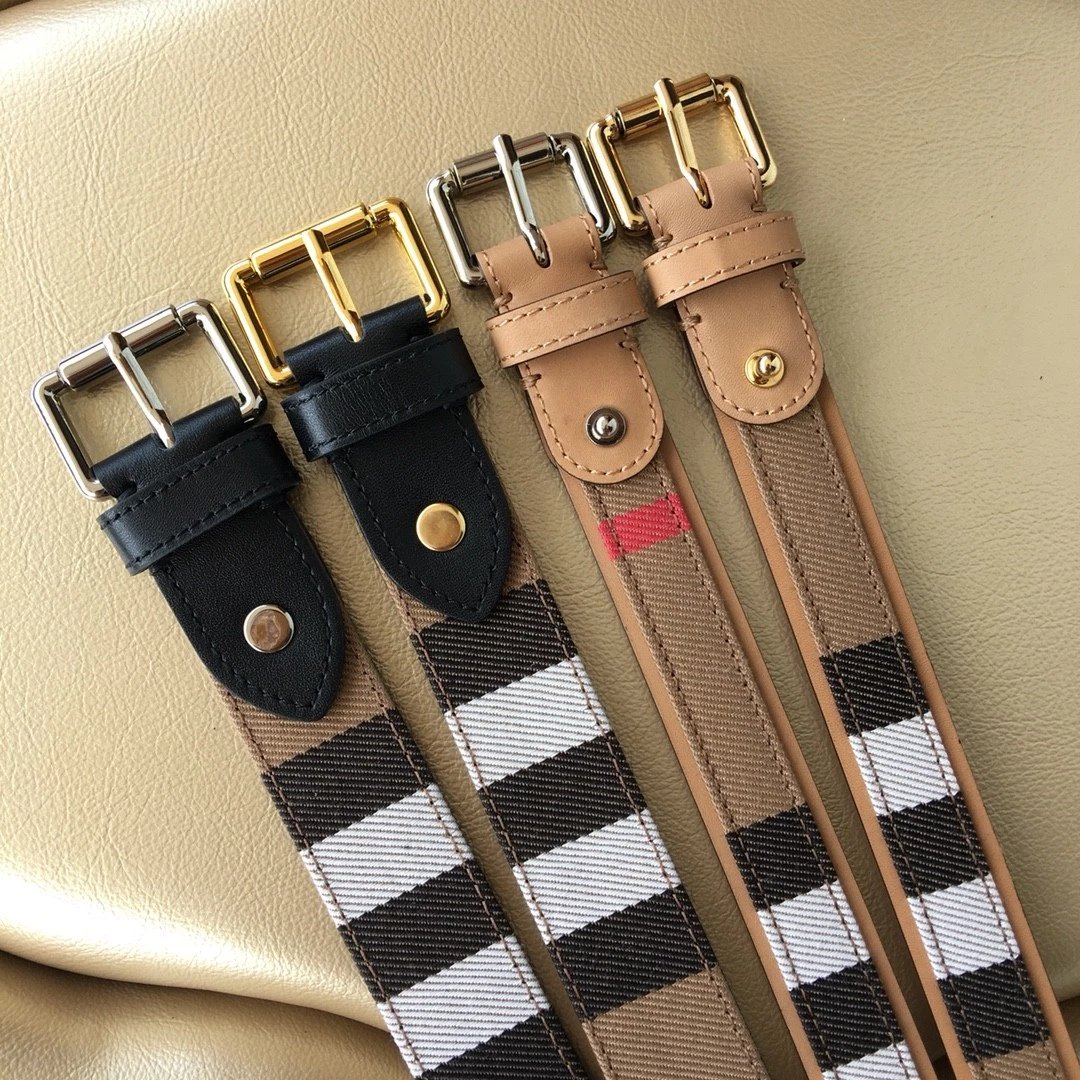
Burberry Check Pattern Belt
$58.72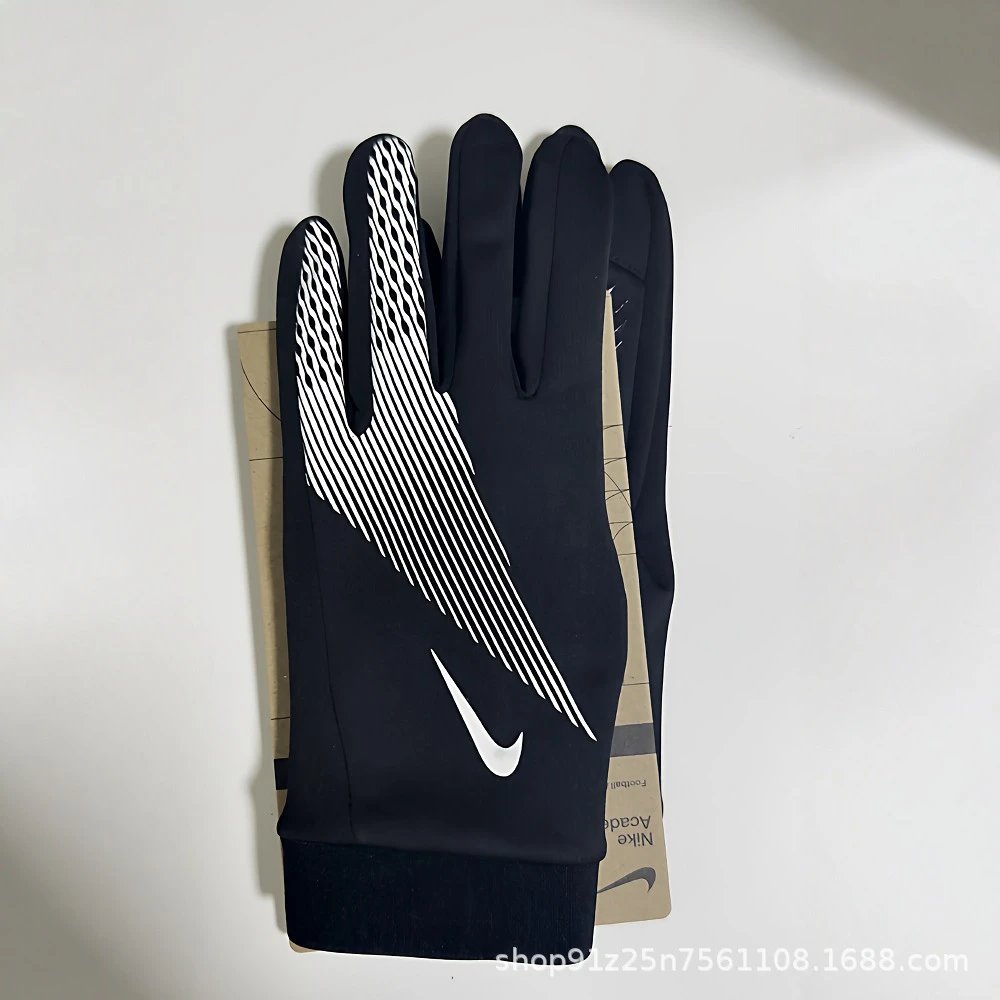
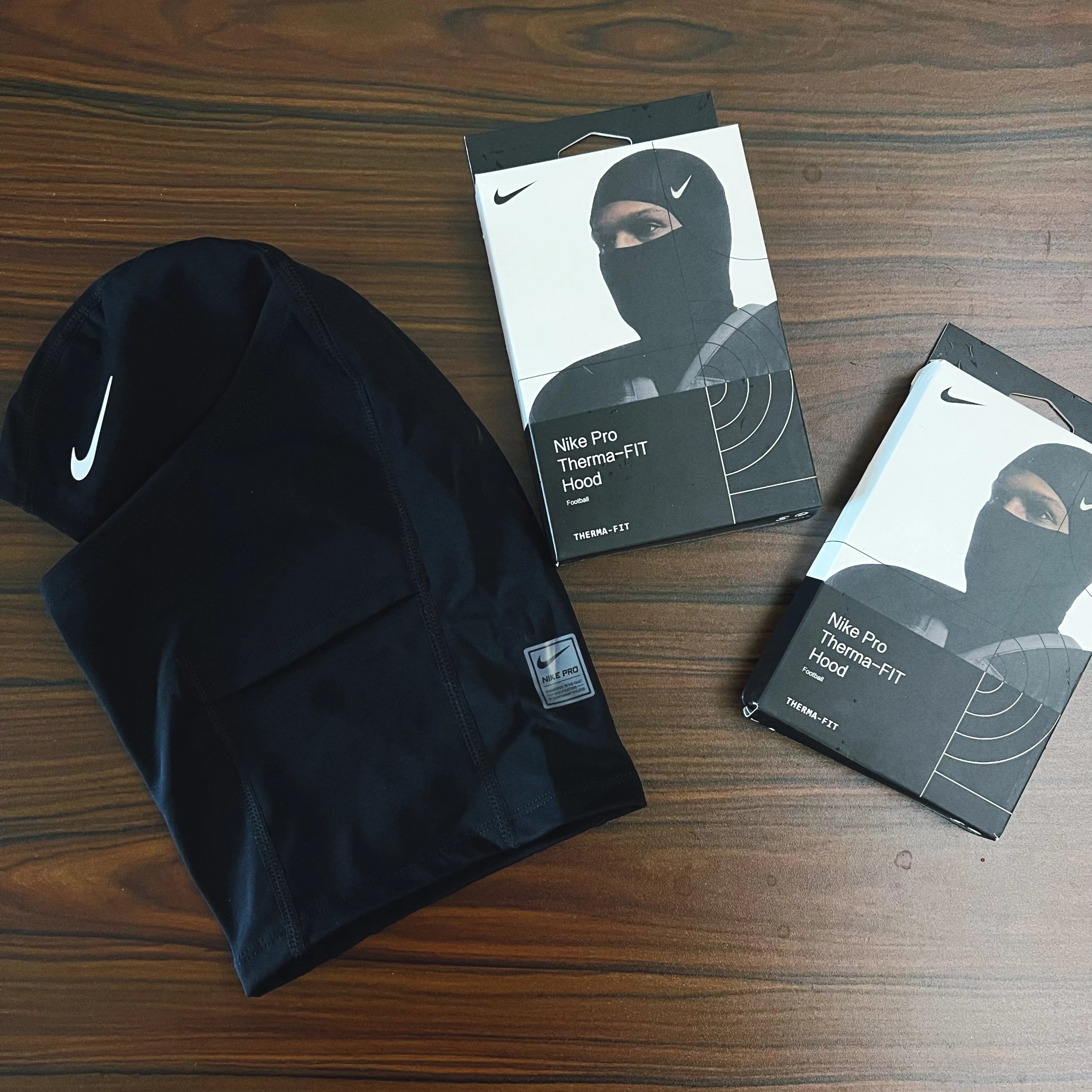
Black Nike Football Gloves
$7.53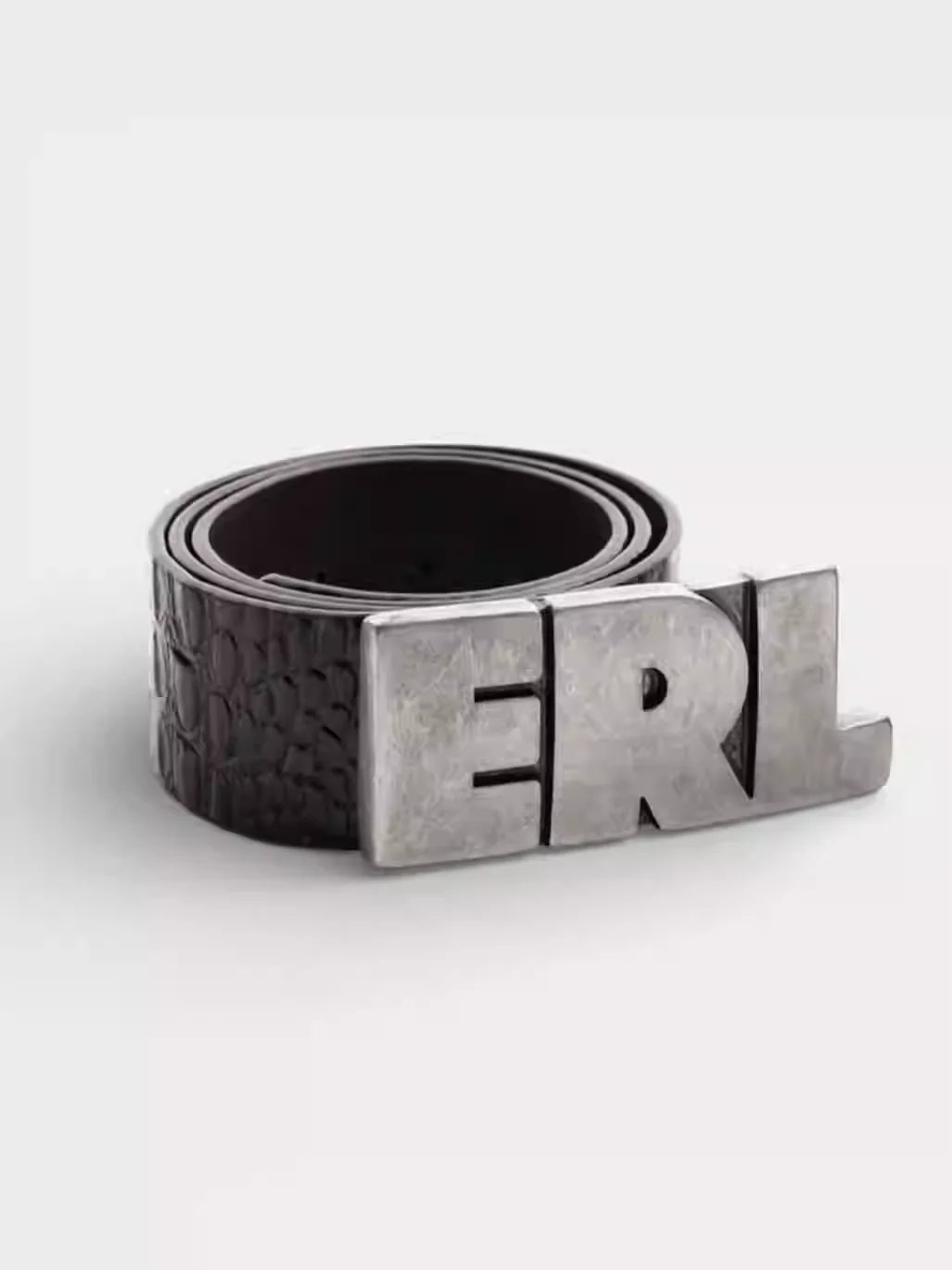
Black Crocodile Texture Belt with ERL Buckle
$53.57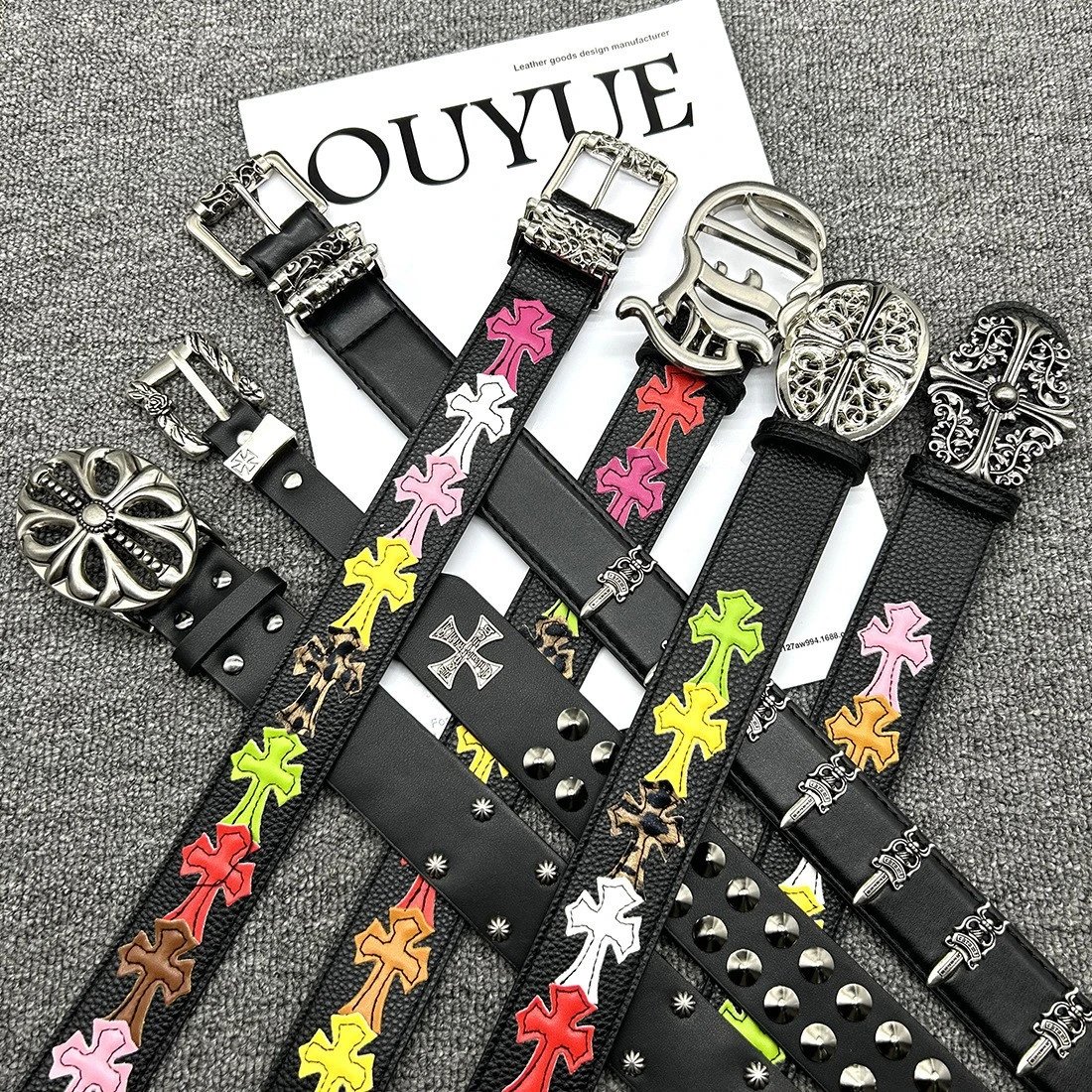
Cross Embellished Leather Belts
$15.29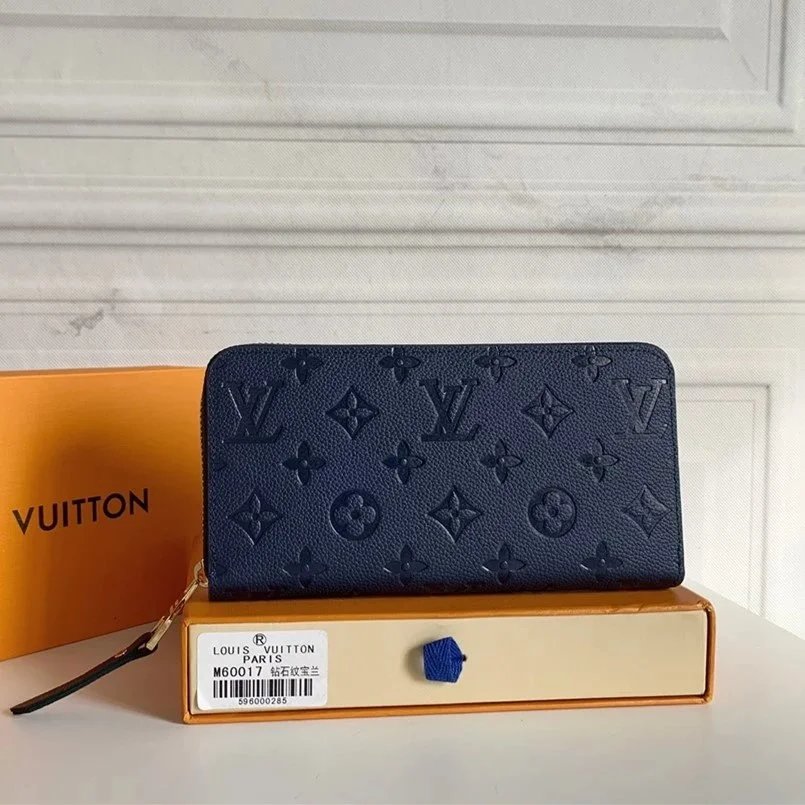
Louis Vuitton Monogram Embossed Wallet
$28.58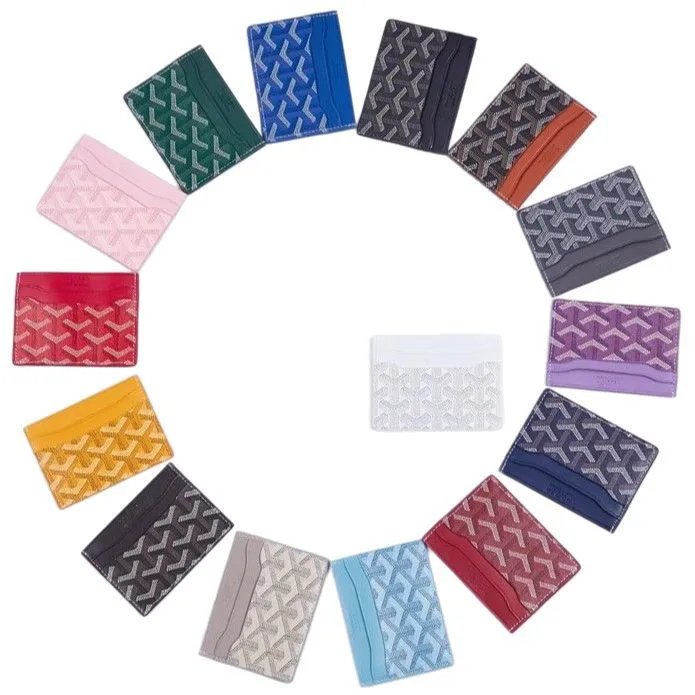
Goyard Card Holder Wallet
$8.64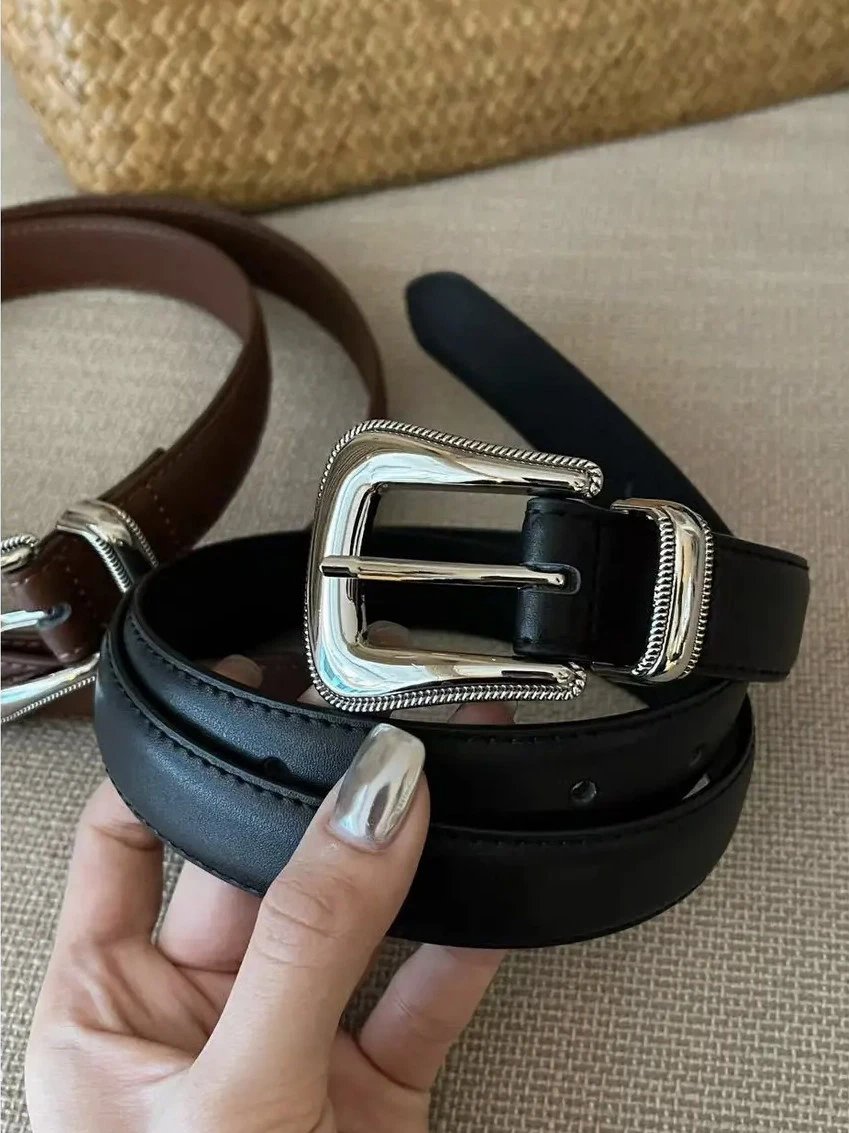
Black Leather Belt with Silver Buckle
$17.69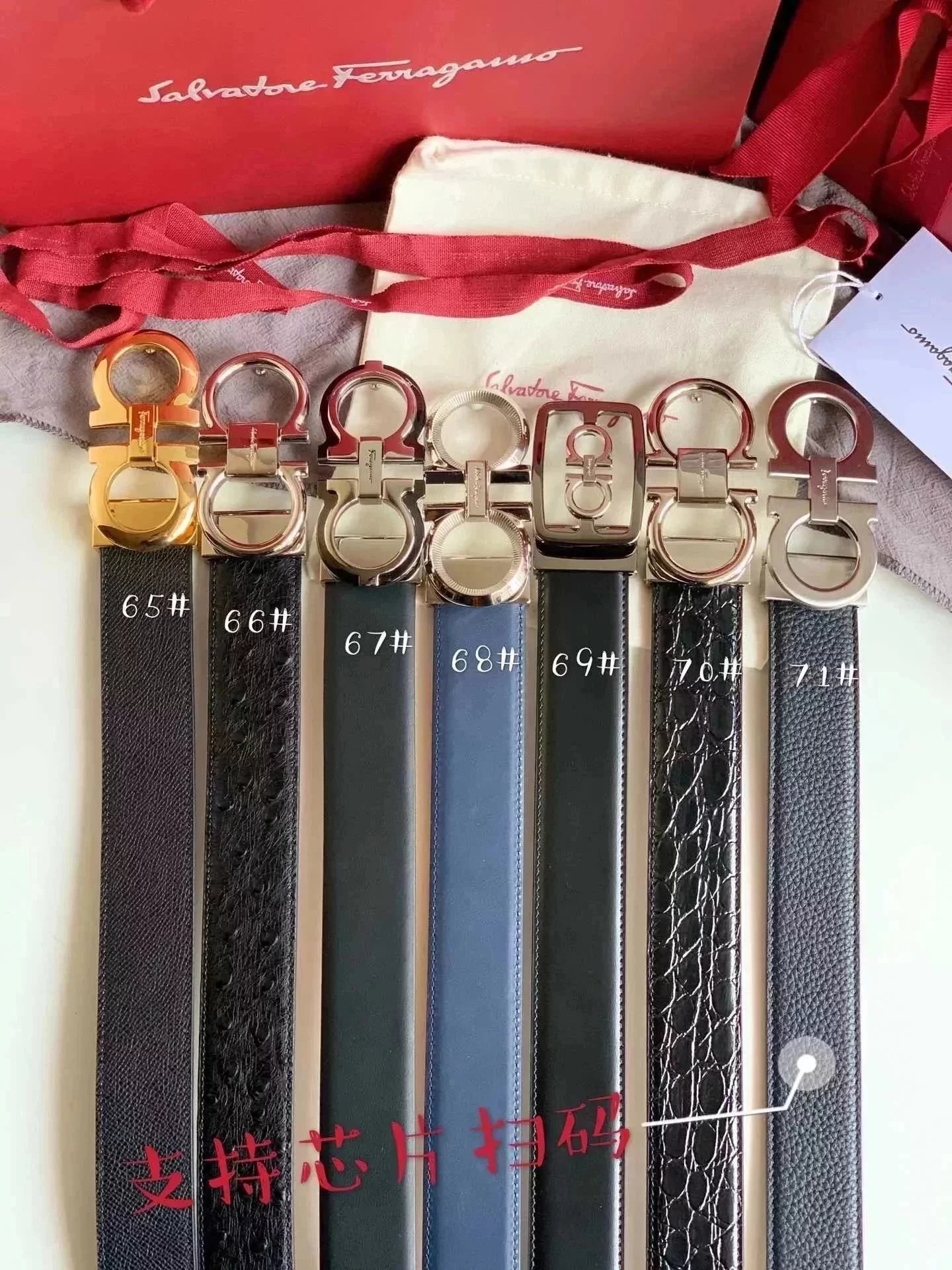
Ferragamo Men's Leather Belts
$54.95Look closer. Choose with context.
Explore the OrientDig Spreadsheet for sneakers, clothing, bags and everyday finds. Look through product images, compare available style photos and inspect existing QC before opening an OrientDig product link.
Explore the category directoryExplore the directory
What is the OrientDig Spreadsheet?
It is a browsable product directory with category filters, search, reference prices and product photos. Individual listings bring together available style images, existing QC and a matching OrientDig link.
Is OrientDig Lists the official OrientDig website?
No. This is an independent discovery site. Orders, payment and delivery are handled on OrientDig. Some outgoing links contain our referral code and may earn a commission.
Which finds can I browse?
The directory covers shoes, clothing, bags, accessories and other available categories. Category pages focus on a type of product, while brand filters and keyword search help narrow the selection.
Can I browse without a spreadsheet download?
Yes. Use the live directory, category pages and page numbers in your browser. Search and filtering keep the browsing focused without requiring a separate spreadsheet file.
Photos & styles
How do I find an item from a photo?
Open image search and choose a reference photo. You can also drop or paste an image. The results suggest visually similar listings; compare their details because a visual match is not proof of an identical product.
What do the QC photos show?
Where available, QC photos provide another view of the listed item. They are existing reference photos, not a new inspection of your future OrientDig order, and do not certify authenticity or quality.
Why do some products have no QC photos?
QC coverage varies by listing. An empty QC section means there are no photos available here for that item; it does not establish whether the product is good or bad.
Do style thumbnails select my order options?
The thumbnails help you inspect pictured variants. They change the preview photo only. Select and confirm the actual color, size and other purchase options on OrientDig.
Prices & product links
Are the prices in US dollars?
The first visit uses USD. You can choose another currency in the header. These are converted reference prices; confirm the current item price and selected variant on the purchase page.
How are OrientDig links matched to products?
Supported Weidian links use the original numerical product ID and the Weidian source parameter. The referral code is retained. Listings with an unverified source do not receive a guessed purchase link.
Does an outgoing link mean an item can be ordered?
No. Seller availability and OrientDig restrictions can change. Check the destination page for current options and any purchasing or transport restrictions before ordering.
Can I copy the original product link?
Supported product pages include a button to copy the original Weidian URL. This is useful when you want to inspect the seller listing or keep the source link for later.